

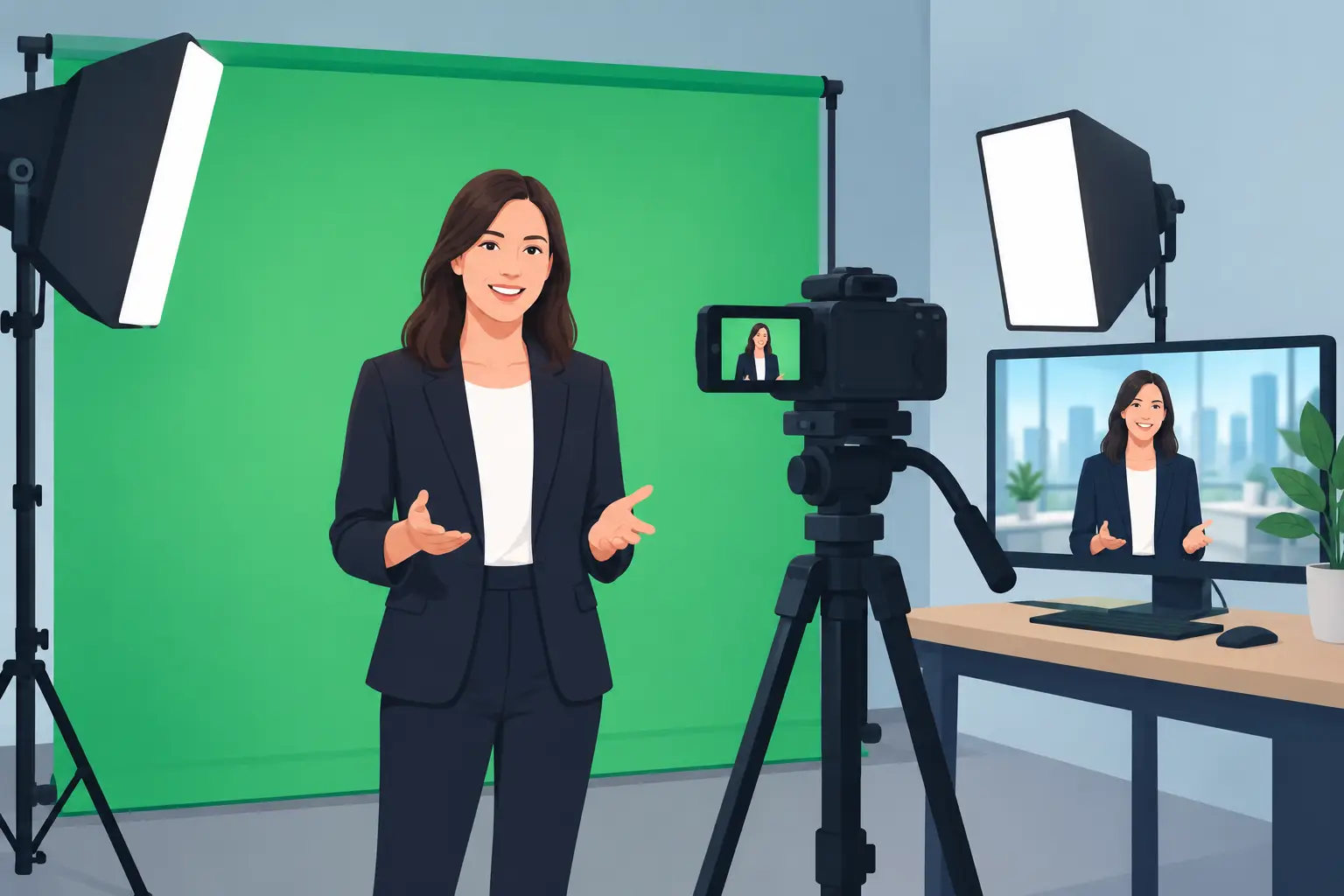
A presenter can be standing in front of a clean graphic one moment, a moving film clip the next, and a virtual waterfront view after that. The effect only feels effortless when the production behind it is properly considered. A green screen studio gives artists, presenters and brands room to create more than one backdrop in a single session, without building a different set for every idea.
For a music video insert, interview, training film, social campaign or livestream segment, green screen can be a practical route to a polished visual world. It is not magic, though. The quality of the final key depends on the screen, the lighting, the camera settings, wardrobe choices and the edit all working together.
What a green screen studio actually gives you
At its simplest, green screen production replaces the green background with another image, video or designed environment in post-production. That could be a branded graphic, a product demonstration, archive footage, a slide deck, an animated scene or a completely invented setting. Green is used because it is usually distinct from skin tones, making it easier for editing software to identify and remove.
The real value is control. Rather than chasing the right location, worrying about weather or rearranging a room between takes, you can focus on performance and framing. A single presenter-led shoot can produce a landscape film for a website, vertical clips for social channels and clean cut-downs for future campaigns. For musicians, it can also create visualisers, lyric content, announcement videos and striking performance layers without turning the main live room into a permanent set.
That flexibility comes with a trade-off. A green screen is not always the right answer for every film. If your message needs the warmth of a real workshop, the energy of a crowd or the texture of a location, shooting it for real may carry more weight. Green screen works best when the background adds useful context, can be designed with purpose, or would otherwise be costly and awkward to film.
Planning your green screen studio session
A good session starts with the final frame, not the green wall. Before cameras roll, decide where the finished video will be seen and what the viewer needs to notice. A talking-head film for LinkedIn needs different framing from a punchy vertical reel. A wide virtual set may look impressive, but it can leave a presenter small and disconnected on a phone screen.
Bring your background references early. They do not need to be finished artwork: a rough deck, a still image, a brand colour palette or examples of the mood you want will help shape the lighting and camera position. If graphics will sit beside the presenter, plan which side they will appear on. This avoids filming an excellent take only to discover the speaker gestures directly into the space needed for text.
Script length matters too. Green screen is often used for presenter content, and a calm, conversational delivery usually looks more convincing than reading dense copy at speed. Build in pauses for edits, especially where graphics or demonstration footage will appear. For an interview, agree whether the final setting should feel like a conventional studio, a branded environment or something deliberately stylised.
Allow space between subject and screen
The most useful piece of practical advice is also one of the easiest to overlook: keep the performer away from the screen. A little distance reduces green spill on hair, shoulders and clothing, and makes it easier to light the background evenly without flattening the subject.
This is particularly valuable for vocalists, beatboxers and musicians who move while performing. If someone is close enough to cast a strong shadow onto the backdrop, the key becomes harder to clean up. A dedicated, intimate setup can still work beautifully, provided the frame and movement are planned for the available space.
Lighting is what makes the key believable
A camera does not see a green screen as a single flat colour unless it is lit that way. Dark corners, hot spots, creases and shadows create variations that complicate the edit. The aim is an even green field behind the subject, then separate lighting for the person in front of it.
Treat the screen and the subject as two related but separate jobs. The screen needs balanced illumination. The presenter needs flattering light that suits their face, the desired mood and the final background. A cool corporate graphic, a bright product demo and a moody music visual may all call for different choices.
Hair is often the test. Fine detail around hair, glasses or translucent fabric needs careful lighting and a clean camera image. A subtle backlight can help separate the subject from the background, but it must be positioned with care so it does not create unwanted green reflections. This is where experienced camera and lighting support earns its place: the goal is not merely to remove green, but to make the finished composite look like it was meant to exist.
What not to wear on green screen
Avoid green clothing, naturally, but also watch for shiny jewellery, reflective glasses and highly glossy fabrics. These can pick up green spill and create awkward edges in post. If a brand colour happens to be green, it does not rule out the shoot, but it may mean using a different background method or adjusting the wardrobe and framing.
Fine patterns can also cause trouble on camera, especially tight stripes and small checks. Bring two or three outfit options if the shoot matters. A quick camera test is far better than discovering the problem once the edit is underway.
Camera choices affect the final composite
Green screen rewards a clean, well-exposed image. Compression, digital noise and motion blur make the edge between person and background less precise. That does not mean every project needs an elaborate cinema setup. It means the capture format, lighting and camera settings should match the finish you are aiming for.
Keep shutter speed sensible for the movement in shot. A presenter delivering to camera can usually be captured cleanly, while fast hand movements, dancing or performance work may need more attention. If the background is intended to move with the camera, the job becomes more complex and may involve tracking. For many social, corporate and interview films, a locked-off or carefully controlled camera delivers the strongest result for the budget.
Multi-camera filming can be useful when you need pace and coverage. A wide shot creates room for graphics, while a closer angle captures connection and detail. The important point is consistency: each camera needs matching exposure, colour and screen coverage, otherwise the edit becomes a series of compromises.
The edit is where the background earns its place
Removing the green is only the first stage. A convincing composite needs the foreground and background to share a visual logic. If a presenter is warmly lit but stands in front of a cold virtual office, the result can feel pasted together. Colour correction, subtle shadows, scale, depth and the right amount of background movement all help the picture settle.
Less is often more. A busy animated backdrop can compete with an interviewee, and dramatic virtual scenery may date quickly if it is used for everyday brand communications. Clean branded environments, well-chosen footage and graphics with breathing room tend to give content a longer useful life.
Sound deserves equal attention. Viewers may forgive a simple visual setting, but poor dialogue, room noise or inconsistent levels will pull attention away immediately. Recording clear sound alongside the video means a green screen piece can hold up across a website, livestream, presentation screen and social feed.
At Yougig, the advantage is having green-screen production, multi-camera capture, audio recording and post-production thinking in one calm waterfront setting. You can arrive with a rough idea and leave with a shoot designed around what the final content needs to do, rather than a room full of kit and a list of unanswered questions.
Make the screen serve the message
The strongest green screen films do not use a digital background simply because they can. They use it to clarify an idea, place a performer in the right visual world or give one session a useful range of outputs. Start with the audience, plan the finished frame, and give the performance enough space to feel natural. The green disappears in the edit, but the confidence of a well-made film stays with the viewer.