

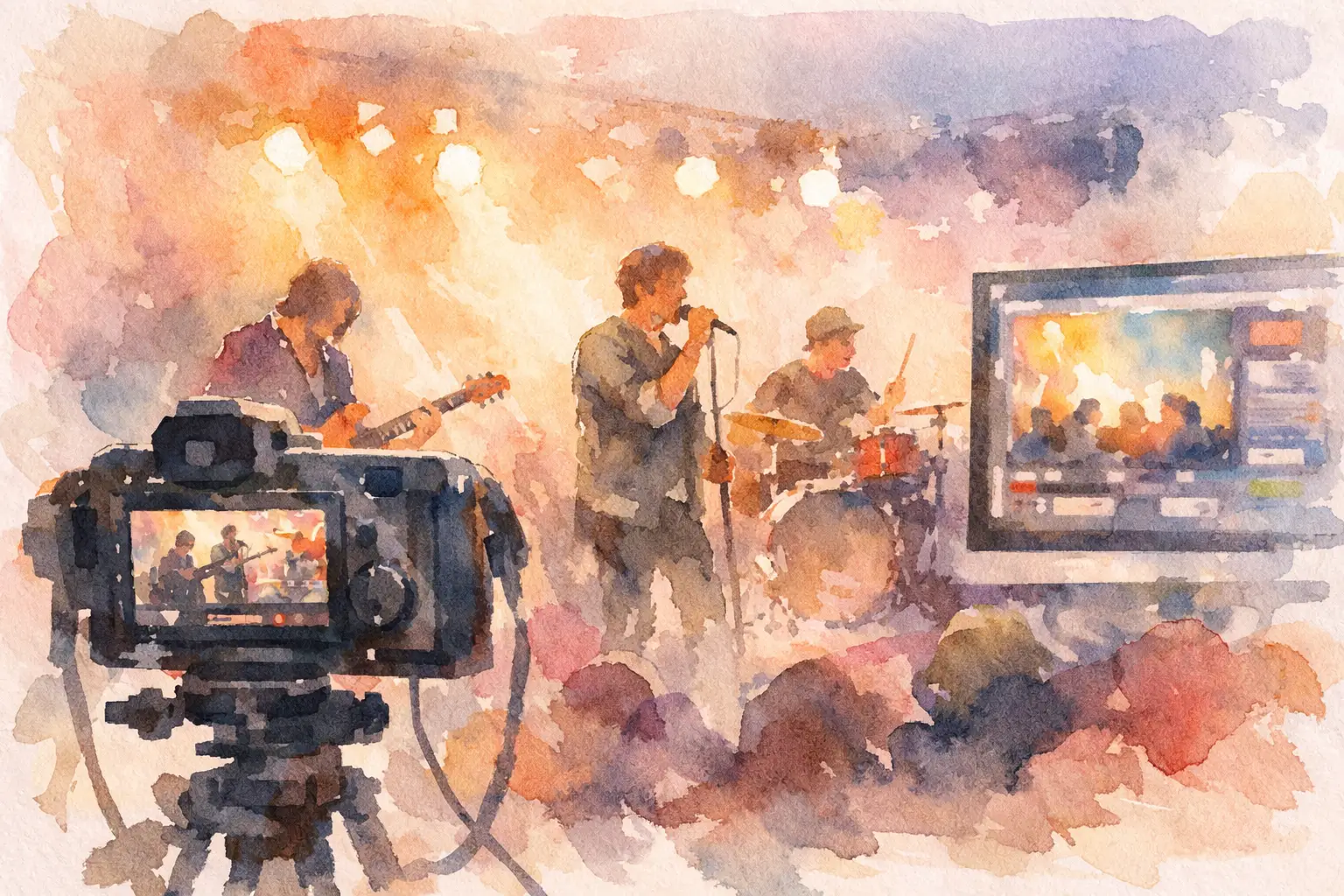
A great band livestream is not a gig with a phone pointed at the stage. It is a live performance made for people who are listening through headphones, watching on a laptop and deciding within seconds whether to stay. If you are working out how to livestream a band, start with one principle: the audio carries the emotion. Cameras, lighting and chat bring the atmosphere, but poor sound will send viewers elsewhere.
The good news is that you do not need an arena-sized production. You need a sensible plan, a performance-ready room and enough time to test every part before you go live. Get those foundations right and a small set can feel immediate, polished and properly yours.
How to livestream a band: build the show first
Before choosing a platform or camera, decide what the audience is being invited to watch. Is it a full forty-minute set, three new songs for fans, a ticketed album launch, a stripped-back session or a rehearsal-room performance with questions between tracks? The answer shapes the crew, running order, lighting and pace.
A livestream needs its own rhythm. A five-piece band may take a minute to tune between songs in a venue, where the crowd can chat and buy a drink. Online, that silence feels much longer. Plan the gaps. Give the singer a short introduction, have an interviewer ask a question, play a pre-recorded clip, or move cleanly into the next number.
Write a simple running order that includes more than songs: doors open or holding screen, welcome, set times, any audience interaction, breaks, closing words and a clear finish. This also gives your production team useful cues. Everyone should know when the wide shot changes, when the presenter speaks and when a guest joins remotely.
Put audio ahead of everything else
A polished picture cannot rescue a harsh vocal, distorted bass or drum mix that turns to mush on a phone speaker. Treat the stream mix as its own mix, not an afterthought taken from the room PA.
In a controlled live room, each instrument can be captured on separate channels: kick, snare, overheads, bass, guitars, keys, lead vocal and backing vocals. That gives the engineer room to balance the performance for broadcast. Vocals usually need more presence than they would in a loud rehearsal space, while cymbals may need taming and low end needs checking on small speakers.
Headphones or in-ear monitoring are often the cleanest option, especially for a filmed session. They reduce spill into vocal microphones and make it easier to create a focused stream mix. A band that relies on amps and wedges can still sound excellent, but expect more work managing volume, microphone bleed and feedback.
Ask for a short soundcheck, then record a complete song rehearsal. Listen back on studio monitors, headphones and a basic phone. If the vocal remains clear and the kick drum has not swallowed the bass guitar, you are heading in the right direction. Make sure someone watches the stream feed too: a good control-room mix is only useful if it reaches the platform without level problems or audio delay.
Give the engineer (probably me!) a reference point
Bring two or three tracks that sit near the sound you want, rather than asking for a vague ‘live feel’. One band may mean intimate and warm; another may mean loud, compressed and festival-ready. References help the engineer understand vocal placement, drum weight and how polished you want the result to be.
Do not chase perfection at the expense of the performance. Small human moments are part of why people watch a live set. The aim is controlled, musical sound, not a lifeless correction of every rough edge.
Choose cameras that tell the story
One fixed camera can document a gig. A multi-camera setup can place the viewer inside it. For most bands, three angles give enough variety without creating visual noise: a wide shot for the whole group, a closer angle on the singer or front line, and a roaming or side angle for hands, drums and musical details.
Frame the room before the band arrives. Look for sightlines that avoid mic stands cutting across faces, cables spilling through every shot and a drum kit blocking half the group. Give the camera operator a loose shot list, but leave space to react. The best cut may be the guitarist looking up at the chorus, the drummer counting in, or the singer sharing a glance with the bassist.
Lighting should make faces readable and give the image shape. Soft front light is usually more flattering than a bright overhead wash, while coloured backlighting can add depth without turning everyone blue. Avoid mixing too many colour temperatures. Daylight from a window, warm lamps and cool LED panels can make skin tones difficult to manage unless they are balanced deliberately.
If your budget is tight, spend on clean audio and good lighting before adding extra cameras. One well-framed camera with a confident operator will beat four unattended angles that never change.
Make the technical path boringly reliable
The audience should only notice the band, not the machinery behind the broadcast. That means deciding how sound and vision travel from the room to the platform, then testing the entire chain at the same time.
Your video feeds need to reach a switcher or production computer, where they can be mixed with titles, holding graphics, captions or pre-recorded clips. The broadcast audio should be fed into that system as a matched stereo signal. Check sync carefully. Even a slight gap between a singer’s mouth and their vocal becomes distracting once viewers spot it.
Use a wired internet connection wherever possible. Wi-Fi may be fine for browsing, but a live broadcast needs consistent upload speed rather than an optimistic number on a speed test. Run a private test stream at the time of day you intend to broadcast, from the exact location and with every camera connected. Test for at least fifteen minutes, not merely long enough to see a picture appear.
Have a contingency plan. Keep a local multitrack audio recording and isolated camera recordings if available, so a brief platform failure does not destroy the whole session. Prepare a holding graphic and music-free message in case you need to pause. If your chosen platform supports it, nominate a second person to monitor the public stream from another connection and flag issues in real time.
Rehearse the production, not only the songs
Bands rightly rehearse arrangements, endings and harmonies. The stream also deserves a run-through. Perform at least one song while the production team switches cameras, checks cues and monitors the outgoing feed.
This is where practical problems surface: the lead singer walks out of light, the guitarist’s solo happens on the camera’s blind side, a backing vocal is too quiet, or an intro runs longer than expected. Solve them before viewers arrive. It is much easier to move a lamp or change a camera position in an empty room than when the countdown is running.
Give each person a clear responsibility. Someone needs to call the shots or operate the vision mix; someone needs to own the audio; someone needs to watch the stream health; and someone should moderate audience comments if chat is part of the event. In a small production, one experienced operator may cover several tasks, but they still need a realistic workload.
Treat viewers as guests, not numbers
A livestream can offer something a venue cannot: proximity. Welcome people by name if the format allows it, answer a few questions between songs, explain where a new track came from or show a small part of the setup. Keep it genuine. Constantly asking viewers to comment can feel forced, especially during an emotional set.
Tell people in advance when and where you are broadcasting, what time the set starts and whether it will remain available afterwards. Time zones matter if you have listeners outside the UK. On the day, post a short reminder rather than relying on one announcement made a week earlier.
Be careful with music rights. Your own original material is the simplest route. Covers can trigger platform claims, muted sections or blocked replays, depending on the song and service. If the stream is ticketed, branded or intended for commercial reuse, get clear advice before assuming a familiar cover is harmless.
Keep the recording after the red light goes off
The live broadcast is often only the first version of the project. A properly captured session can become individual song videos, short vertical clips, a live EP, a press asset or material for future bookings. Record clean sources where possible and label the files while everyone still remembers what happened.
That is why a studio-led production can be worth more than a quick social broadcast. At Yougig, the same performance can be approached as a proper multi-camera, multitrack session: a relaxed space to play, experienced hands on the broadcast, and quality footage and audio to work with afterwards.
Leave a little room for the unexpected. A string may break, a camera may need a reset, or the audience may respond so strongly to a song that you want to stay with the moment. Preparation gives you the confidence to handle those things calmly. When the band feels comfortable and the technical team is ready, the screen stops being a barrier and becomes another place to perform.