

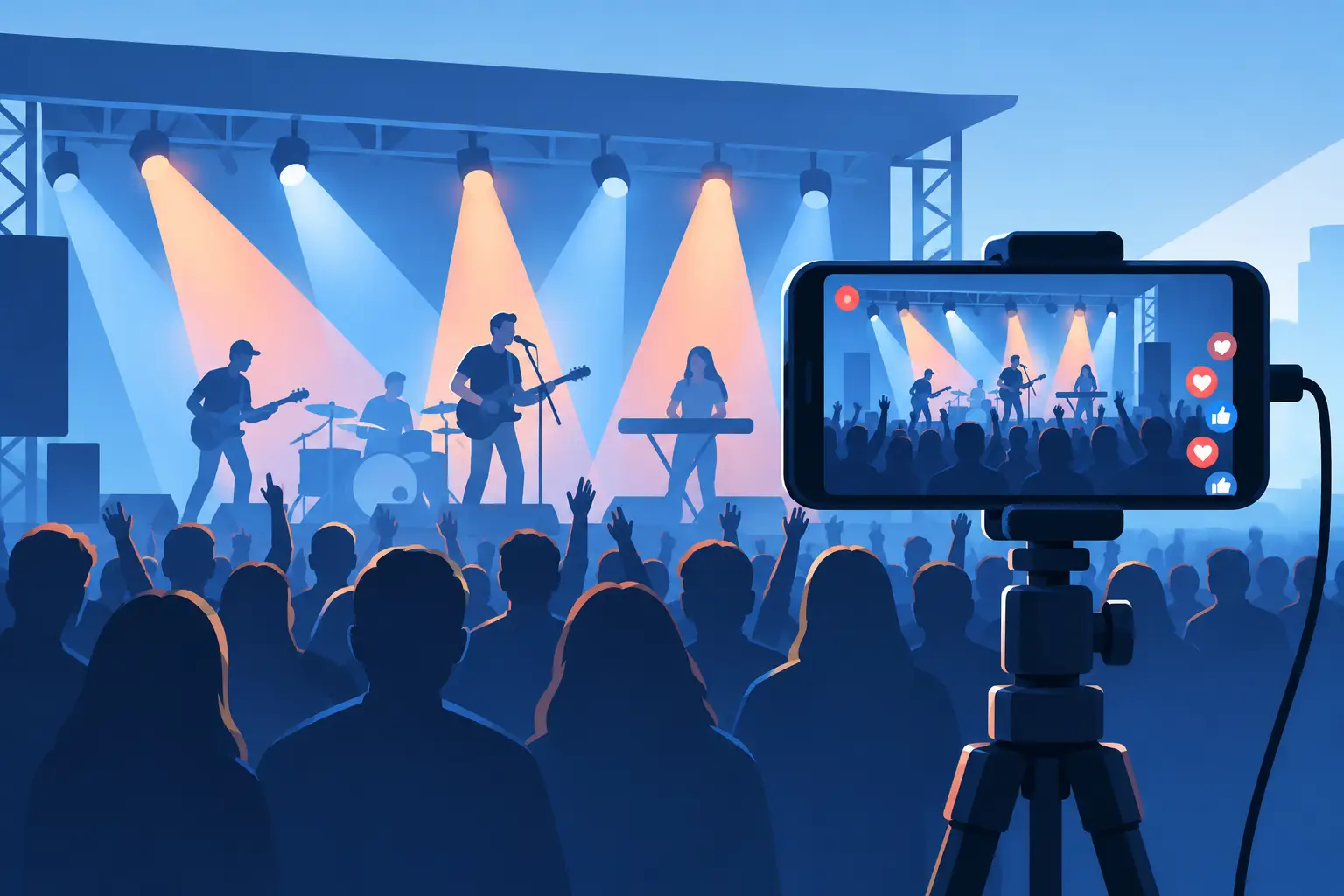
A great concert stream does not begin when you press Go Live. It begins in the rehearsal room, when the band can hear itself properly, the cameras know where to look, and somebody has decided what the audience at home needs to feel. Learning how to livestream concerts is less about collecting shiny kit and more about turning a live performance into a deliberate broadcast without sanding off its personality.
For an acoustic singer-songwriter, that may mean an intimate two-camera set with every lyric audible. For a loud band, it may mean multitrack audio, close shots of hands and faces, and a wide camera that catches the room lifting at the chorus. The right approach depends on the artist, venue, audience and purpose of the show.
Start with the concert, not the stream
Before discussing platforms, frame rates or graphics, decide what the livestream is for. Is it a ticketed headline show for fans who cannot travel? A launch performance that will later be cut into social clips? A polished session for promoters and bookers? Or a regular series intended to build a community?
That decision shapes the production. A one-off ticketed show may need a scheduled start, branded holding screen, access control and a dependable replay. A promotional performance may benefit from recording each camera and the full multitrack audio separately, so the best moments can be edited after the event. A regular series needs a repeatable setup that is affordable and does not exhaust the artist before the first song.
Treat the streamed set as its own format. A room audience can enjoy a pause while instruments are swapped or a pedal is found. Online viewers have less patience and fewer visual cues. Build a sensible running order, tune between songs efficiently, and give the presenter or artist a natural way to speak to people watching remotely.
Make the audio the priority
People will tolerate a camera shot that is slightly less cinematic than expected. They will leave quickly if vocals are harsh, drums are distorted or the music sounds as though it is coming through a phone at the back of the venue. For livestream concerts, sound is the experience.
Use microphones and direct inputs suitable for each source, then create a dedicated broadcast mix. Do not assume the front-of-house mix will translate online. In a venue, bass and drums are physically felt in the room, while a stream has to communicate their weight through speakers, headphones and mobile phones. Vocals also usually need more consistency in the broadcast mix than they do in a loud room.
If possible, record every input separately as well as sending a stereo mix to the stream. Multitrack recording gives you a safety net if a vocal is too low, a guitar is unexpectedly loud, or you want to release a properly mixed live track afterwards. It also lets the performance keep earning its keep long after the broadcast ends.
Ask the performers to play part of a song during soundcheck, not merely speak into microphones. The loudest chorus tells you more than a polite line check. Listen on good monitors, then check the feed on ordinary headphones and a mobile phone speaker. If the vocal disappears on the latter, adjust before the audience arrives.
Avoiding the most common sound problems
Keep stage volume under control, especially in smaller rooms. Excessively loud amps spill into vocal mics and limit what can be fixed in the mix. Where appropriate, use direct signals, sensible amp positioning and performers who can work with the engineer rather than against the room.
Also plan for copyright. Original music is the cleanest route. Covers can trigger platform claims, muted sections or restrictions, depending on where and how you broadcast. If the stream is commercial, confirm rights and platform policies well before show day.
Use cameras with a job to do
More cameras do not automatically make a better livestream. Three well-positioned cameras, operated with intent, can feel more alive than six unattended angles. Start with a dependable wide shot that always covers the performance, then add closer angles for vocals, instruments and the small moments that make live music human.
A typical multi-camera concert setup uses one wide master, one camera for the lead performer and one flexible angle for band members, hands, drums or audience reaction. If you have a fourth position, consider a side profile or moving camera, but only if it can be operated safely and without blocking the audience.
Think in songs, not random shots. During a verse, hold a close shot long enough for the viewer to settle into it. At a chorus, widen out or cut to the drummer as the arrangement opens up. Avoid frantic switching simply because several cameras are available. The vision mix should follow the music’s energy and reveal the performance, not draw attention to itself.
Lighting deserves the same care. Faces need shape and separation from the background, while the space should still feel like the room the artist chose. A few purposeful lights are often stronger on camera than a busy wash of colours. Watch for blown-out white shirts, deep eye shadows and flickering fixtures that behave differently on video than they do in person.
Build a stream that can survive real life
The technical chain is only as dependable as its weakest point. A professional concert stream needs a stable wired internet connection, tested upload speed, suitable encoding settings and a clear backup plan. Wi-Fi can be useful for phones and crew communications, but it is rarely the connection you want to trust with the main broadcast.
Test the whole route in advance: cameras into the vision mixer, audio into the streaming system, stream out to the chosen platform, and playback on a separate device. A test is not complete until you have listened to the published feed, checked lip sync and watched it long enough to spot buffering or dropped frames.
Have a fallback for predictable failures. That might mean a backup internet connection, spare cables, charged camera batteries, duplicate recording media and a prepared holding screen if a restart is needed. The goal is not to make a concert feel over-engineered. It is to ensure a small fault does not become the only thing your audience remembers.
At Yougig, a multi-camera concert can be handled as a joined-up production: live-room performance, dedicated audio mix, video capture and broadcast workflow in one calm waterfront setting. That matters because the people shaping the stream can hear the music, see the cameras and respond to the performance as it happens.
Rehearse the broadcast, not just the songs
A band that knows its songs still benefits from a production rehearsal. Walk through the entrance, first song, spoken links, instrument changes, final number and exit. Confirm who cues the start, who watches the chat, who calls camera changes, and who has authority to stop or restart if something genuinely goes wrong.
This is especially useful for artists who are used to feeding off a physical crowd. Looking into a lens can feel unnatural at first, so make it part of the performance language rather than an awkward obligation. A brief welcome to viewers at home, a direct introduction to a new song, or a thank-you at the end can create real connection without turning the set into a presenter piece.
If there is an in-room audience, design for both groups. Avoid placing all cameras behind seated viewers, and make sure performers are lit for the cameras without blinding the people in front of them. The room should still feel like a gig. The stream should feel like the best seat in it.
Choose the platform after you know the audience
The largest platform is not always the best place for a concert. Public social streams can be useful for discovery and quick engagement, particularly if the performance is short and designed to bring new people in. A ticketed or private broadcast may suit a dedicated fan event, premium workshop or corporate performance. An embedded player can make more sense where brand control and viewer data matter.
Consider how people will find the show, whether they need an account to watch, what quality the platform supports, and whether the stream remains available afterwards. Also decide who will monitor comments. A friendly, responsive chat can make remote viewers feel present. An unmoderated one can distract artists and crew at exactly the wrong moment.
Promote the concert with specifics: date, start time, time zone, platform, ticket details where relevant, and whether a replay will be available. On the day, begin with a holding screen and music or a simple countdown. It gives viewers time to arrive and reassures them that they are in the right place.
Capture more than a single live moment
The broadcast is only one outcome. Record clean camera files, multitrack audio and, if practical, a programme recording of the finished live mix. Afterwards, these can become a live EP, a concert film, short vertical clips, a press asset or a polished session for the artist’s website.
Do not promise perfection from a live take. Part of the value is the risk, the breath before a vocal line and the brief glance between musicians when something lands. Good post-production should refine the result, not erase the fact that people were making music together in real time.
A concert stream works when the viewer forgets they are watching through a screen. Give the performance clean sound, confident pictures and enough preparation to let the artists relax. Then leave room for the thing no production plan can manufacture: a live moment worth being there for.